


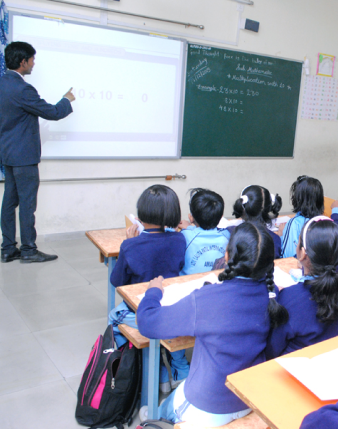

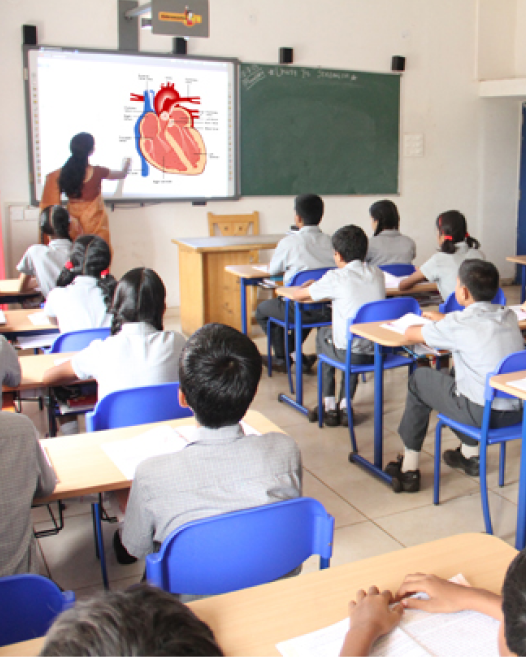

Doceo isn't just an app; it's your digital assistant. By handling attendance, grading, and circulars instantly, we save you hours every week. Focus on inspiring students while we handle the administration.

Mark daily attendance in seconds and auto-notify parents.

Upload notes, track syllabus, and plan lessons digitally.

Approve student leaves and requests with a single click.

Access bus lists and driver details for safe dispersal.

Identify weak students and track improvement trends visually.
Enter marks directly into the app and auto-generate report cards.

Upload homework, worksheets, and videos in one click.

Update daily logs and homework for parents instantly.
Seamless chat and PTM scheduling to keep parents engaged.

View your timetable, substitutions, and school events.
Apply for your own leave and track approval status.

Receive official school circulars directly in your app.
Doceo is designed to fit perfectly into a teacher's busy day.
Log in securely with your credentials. Your personalized dashboard shows your classes for the day immediately.
Take attendance in under 30 seconds. Absentees are auto-flagged and parents are notified instantly.
Upload homework photo or text. No need to write in 40 diaries manually anymore.
Enter exam marks on your phone. The system calculates averages and grades automatically.
Respond to parent queries or send broadcast messages to your class group safely.
Check circulars, holiday lists, and your own leave status without visiting the admin office.


